How Can You Use Video Marketing to Increase Engagement?

Most online customers like to watch videos to find useful information or get entertained. That is why several companies have implemented video marketing strategies to reach their target audiences and keep them engaged. Video content has the power to promote your business effectively. But, how should you run video marketing campaigns to increase engagement?

Understand Potential Customers

To create any form of content (such as textual content or videos), you must learn about the target audience’s preferences. This will help you promote your products/services to them. For instance, a product intended for teens cannot be marketed to seniors.

You may use AI tools to understand your target consumers’ buying patterns and search trends. Based on your analysis, you can personalize videos. To do so, you may leverage social platforms. For instance, create interactive survey forms and polls on social media sites to learn about your audiences’ details. 

Create High-Quality Videos

A low-quality content will not keep viewers engaged for long. Distracting video content and audio problems will not help you increase engagement. That is why you must focus on these aspects to make your video marketing successful. 

So, make sure you have used premium-quality smartphones and cameras to shoot videos. The audio for the content must also be clear. You should shoot videos at a site that receives proper lighting. 

Start The Video With Content that Hooks Viewers

For videos and other types of online content, the most important thing is to capture your viewers’ attention. The internet world presents consumers with a lot of videos. So, how will you gain their attention to your videos? Remember that the first few seconds of your video should hook your target audience. This will help you establish a connection with viewers. Understand their potential issues and provide the solution through videos. 

Run an Email Marketing Program to Promote Your Videos

While sending emails to your subscribers, add videos to the content. It will increase the click rates, and you will find better results. An email with personalized videos will impress recipients. Most brands create tutorials and demo videos for subscribers. Depending on your products/services, you may choose the video type. 

Add a CTA to The Videos

Your videos should end with a call-to-action message. But, consumers do not like to respond to generic CTAs. They prefer personalization even if the CTA message is short. Make sure your intention is clear and attractive to consumers. To keep your viewers engaged, you may add the CTA to the middle and end of the video.

Make Your Videos Seo-Friendly

Although you have created a high-quality video, you should optimize it for search engines. It ensures people will find your videos while scrolling the Google search pages. If consumers feel interested in your video, they will visit different pages of your website. 

These are some of the best tips for increasing engagement through videos. The most reputed SEO agency in Mesa has professionals who optimize your videos and attract more viewers. So, why not save your resources this year?

Incorporating Video Marketing Strategies into Corporate Enterprises

In today’s digitally-driven world, the role of video in marketing can no longer be understated. With an ever-growing audience consuming information through vibrant, informative and brief video content, corporations need to grasp how to effectively use video for marketing. This article will guide corporations on how to leverage video marketing to create a more significant impact on their target audience, increase trust and credibility, and ultimately, strengthen their brand position.

Understanding the Importance of Video Marketing

Video marketing is fast becoming a favorite among marketing professionals due to its capacity to deliver a wealth of information in a short time frame. Numerous studies show that videos are far more engaging than written content, stimulating multiple senses at once and fostering a more potent emotional response from viewers.

Moreover, videos are versatile assets that can be used on various digital platforms, such as your corporate website, email campaigns, or various social media channels. Google also loves video content since it indicates high-quality content, which can boost your website’s SEO.

Developing Your Video Marketing Strategy

Choosing the Right Type of Video

The first step in incorporating video into your marketing strategy is choosing the kind of video that aligns with your business objectives. Some of the types you can consider include explainer videos, product reviews, interviews, live streams, tutorials, and company culture videos, amongst others. Remember, the pivotal point is to offer value to your audience first and subtly demonstrate your brand’s qualities as you do so.

Knowing Your Audience

Understanding who you are creating the video for is crucial as it helps tailor your content to meet their needs. Define your target audience by considering their age, gender, occupation, interests, and other essential demographic factors. This way, your video marketing will prove more efficient as it will be aimed at the people who are likely to engage with your brand.

Optimizing Your Video for SEO

Once your video content is ready, employ various SEO strategies to maximize its reach on the internet. Include relevant keywords in the title, description, and tags. You can also consider adding subtitles or captions for increased accessibility.

Leveraging Audio for an Enhanced Viewer Experience

Audio plays an indelible part in the video-viewing experience. By incorporating high-quality sound effects, voice-overs, and background music, you can enhance the mood of your videos and make them more engaging. Paid or free editing tools can be used to edit the audio tracks as per the requirement of the video.

Making Use of Distribution Channels

Sharing your video effectively is as crucial as creating intriguing content. It’s not just about uploading it on YouTube anymore. Post your video on various social platforms, and don’t forget about email marketing or featuring them on targeted landing pages of your website.

Analyzing Video Performance

Keep track of your video’s performance by taking a close look at the analytics provided by the platform where you posted your video. This data can provide valuable insights into your audience’s viewing habits and help you refine your video marketing approach.

Conclusion

Incorporating the use of video into your corporate marketing strategy can significantly enhance your brand’s visibility online. By choosing the right types of videos, understanding and targeting your audience, optimizing your videos for SEO, leveraging audio effectively, appropriately distributing them, and analyzing their performance, you can create a powerful and dynamic video marketing strategy bound to yield positive returns. Video marketing is not just the future; it’s the present, and corporations should start capitalizing on it sooner rather than later. Enjoy the process, and let your brand story unfold through this engaging medium.

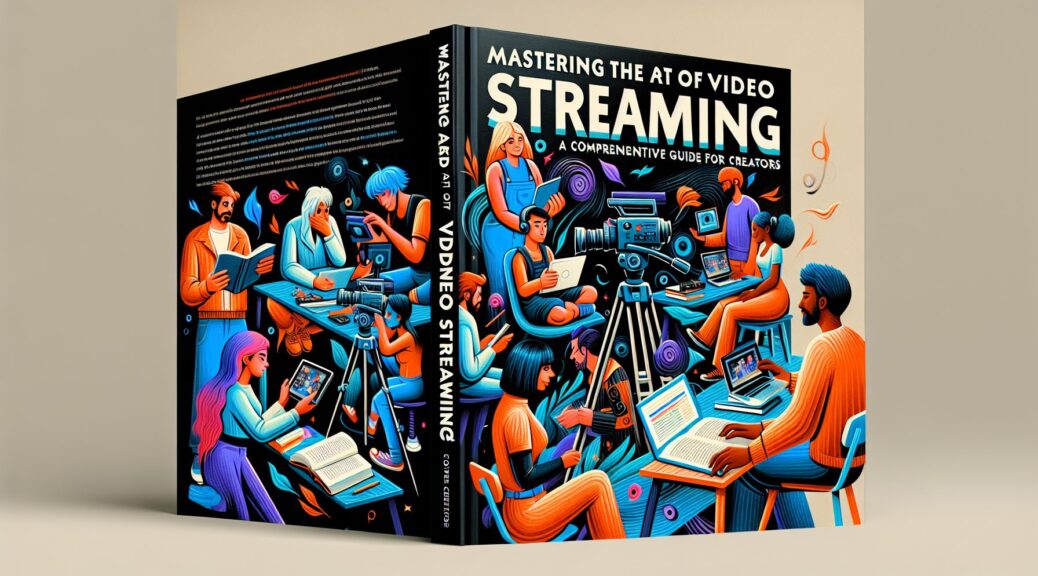
Mastering the Art of Video Streaming: A Comprehensive Guide for Creators

When it comes to sharing content with an online audience, there’s no denying that video is king. Thanks to the continued rise of digital media platforms, video creators nowadays have amazing opportunities to connect with audiences worldwide. This shift in content consumption demands the adaptation of new technologies, among which, video streaming leads the list. How can you as a creator make the best of it? Keep reading to uncover the secrets of effective video streaming for creators.

Understanding the Basics of Video Streaming

Streaming refers to technological processes that allow users to access content over the internet as a continuous flow. Unlike traditional download methods, streaming enables viewers to start watching the content even as the rest of it is still being delivered. This convenience paired with the growing demand for real-time content makes streaming the ideal medium for video creators.

However, before you pull out your camera, there are a few things you need to understand. Video streaming requires robust, stable internet connectivity – both for the streamer and the viewer. The video’s quality, resolution and frame rate also play a major role in the viewer’s experience.

Equipment Needed for Streaming Videos

Starting with video streaming doesn’t require a massive investment. Here’s a list of essential equipment:

  • A decent camera or webcam: Modern smartphones can shoot high-quality videos, but a good quality webcam can also do the job.
  • Microphone: Clear audio is indispensable for a good streaming experience. A built-in microphone will work, but for higher audio quality, consider getting an external microphone.
  • Streaming Software: Streaming software, also known as encoding software, converts your video into a format that can be streamed over the internet. Some popular options include OBS Studio, Wirecast, and XSplit.

Planning and Preparing Your Content

Before you hit the ‘go live’ button, you should have a clear idea of what you want to present to your audience. While spontaneity adds an element of excitement to live streaming, having a rough structure will keep you on track and maintain viewer engagement. This doesn’t mean you need to script everything; an outline of key points should suffice.

Also, interact with your audience. Engagement is crucial in video streaming – make sure to pose questions, ask for opinions, and respond to viewers’ comments and queries.

Video Marketing and Promotion

Your streaming efforts will be in vain if they don’t reach your intended audience. Therefore, marketing your video content is a crucial step. Share the details of your upcoming streams on social media platforms, emails, and your website. You can also use SEO practices to drive organic traffic towards your streams.

Editing Your Video

Video editing can seem daunting, especially if you’re a beginner. However, a few simple tricks can elevate your content. You can start with basic functions like trimming, adjusting brightness and contrast, and adding text overlays. As your confidence grows, you can delve into more complex editing techniques. Remember, the goal of editing is to facilitate viewer understanding and keep them engaged, so don’t get carried away and over-edit.

Closing Thoughts

Breaking into video streaming can seem intimidating, but understanding the fundamentals and practicing continually can help you master the craft. Remember, the essence of video streaming lies in forming real connections with your audience, so authenticity and interaction should be at the heart of your efforts. Keep exploring, learning, and don’t shy away from making mistakes, as they are stepping stones to your growth as a creator in the world of video streaming.

Mastering the Art of Video Production: A Guide for Videographers

As a videographer, your video production quality can make or break your work. A lot of factors come into play, from the equipment you use, the filming techniques you employ, to the editing software you choose. Keeping an eye on these variables is key to mastering the art of video production.

This guide takes you through three main sections of video production: pre-production, production, and post-production. In each section, we’ll focus on how to improve video quality, sound quality, and overall production levels.

Pre-production

Defining the Concept and Planning

Every video starts with an idea. Once you’ve defined your idea, it’s time to plan. Sketch out your scenes, think about the shots you need, plan your locations, and consider the logistics – this stage is crucial for the success of your final product.

Equipment Evaluation

Before you start shooting, make sure you evaluate your equipment. Ensure your camera settings are optimal for your shooting conditions. Depending on your budget and requirements, you may need additional equipment such as microphones for better audio quality, lighting kits, and stabilizers.

Production

Framing and Composition

During the shooting process, framing and composition play a significant role in the overall quality of the video. Use the Rule of Thirds to guide your framing and create balanced, appealing visuals.

Optimal Lighting and Sound

Good lighting is essential in capturing high-quality videos. Depending on your location and time, you might need artificial lighting. Pay attention to the direction, intensity and quality of light.

Similarly, high-quality audio is vital to keep your viewers engaged. A high-quality microphone, a quiet environment, the correct placement of the microphone will all contribute to better sound recording.

Multi-angle Shooting

For a more dynamic and engaging video, shoot your scenes from different angles. Wide shots, medium shots, close-ups, different perspectives – they all add interest and depth to your footage.

Post-production

Choose the Right Software

Selecting an editing software that fits your needs is essential. Adobe Premiere Pro, Final Cut Pro, DaVinci Resolve are some of the industry standards. However, if you’re just starting out, there are plenty of beginner-friendly options like iMovie and Filmora.

Refining Your Footage

The role of editing in video production cannot be overstated. This is where you trim your footage, add transitions, special effects, and refine the audio. Always keep your target audience in mind when editing, making sure that your video is engaging and follows a coherent storyline.

Colour Correction and Grading

Colour correction and grading can have a significant impact on your final video. Correcting the colours of your footage brings it closer to what the human eye sees. Grading is the process of setting the mood and style of your video through colours.

Conclusion

Mastering video production is an ongoing process, but hopefully, this guide provides a clear path to improving your video quality. Keep experimenting, learning new techniques, and always be open to feedback. Remember, the goal is not only to create visually pleasing videos but to tell stories that engage and captivate your audience. With practice and patience, you’ll continually refine your art.

And last but not least, never forget that the core of every great video is a great story. Prioritize storytelling as much as the technical aspects of videography, and you’re on your way to mastering the art of video production. Good luck!

Creating Compelling Videos for Facebook: A Comprehensive Guide for Creators

Facebook, with its massive user base around the globe, has become an essential platform for creators who want to increase their visibility and engage with their audience. Specifically, video content on Facebook has seen an exponential growth in consumption, making it a critical component of any creator’s content strategy. This article provides insights into how to craft engaging video content for Facebook.

Understand your audience

Before you hit the record button, it’s vital to understand who your audience is and what they are interested in. Use Facebook’s Page Insights to gain valuable knowledge about your audience demographics and the type of content they engage with the most. The better you can tailor your video content to suit your audience’s tastes and interests, the higher the likelihood it will resonate with them, driving engagement and shares.

Prioritize the First Three Seconds

In an age where scrolling through feeds is second nature, the first three seconds of your video can make or break its success. Viewers are more likely to continue watching if they are instantly engaged or intrigued. Keep your introduction punchy and potent!

Enable Silent Autoplay

Facebook’s autoplay feature plays videos silently until the viewer decides to turn on the sound. To maximise this feature, ensure your video is understandable even without sound. You can achieve this by using captions, subtitles, or on-screen graphics.

Optimize for Mobile Viewing

The majority of Facebook’s audience access the platform through mobile devices. To ensure your video translates well on a smaller screen; vertical or square videos tend to perform better than landscape ones.

Scheduling and Timing

The timing of your video can be the determining factor in whether it’s watched or simply scrolled past. Use the scheduling feature to post your videos when your audience is most active.

Give Importance to the Post Description

A video’s accompanying post plays a big role in attracting viewers. Make sure to write a clear, concise description of the video content and include call-to-actions if applicable.

Use Video Tags

Tagging your video can greatly improve its discoverability. Use accurate tags relevant to the video content, your brand, or industry to get maximum visibility.

The Production Process

Now, let’s get into the practical aspects of the video creation process.

Pre-production

This phase involves everything before the cameras start rolling: from conceptualizing and developing an idea to writing a script. It’s during this stage that you’ll define your target audience, goals, and message.

Production

This stage involves the actual shooting/recording of your video. Remember to pay close attention to sound (use a good quality microphone) and lighting conditions (ensure ample natural light or use artificial lighting).

Post-production

Here, you’ll edit your video into its final form. Remove extra footage, add effects, soundtrack or voiceovers, and make sure the final product matches the vision you had during pre-production.

Conclusion

Creating compelling Facebook videos doesn’t have to be a strenuous process. By being clear about your target audience, creating engaging content, and following production best practices, you can significantly improve not only the quality of your videos but also their ability to reach and engage with your target audience.

With patience, persistence, and practice, you’ll be able to create sound social media videos that resonate with your audience, foster engagement, and expand your reach exponentially.

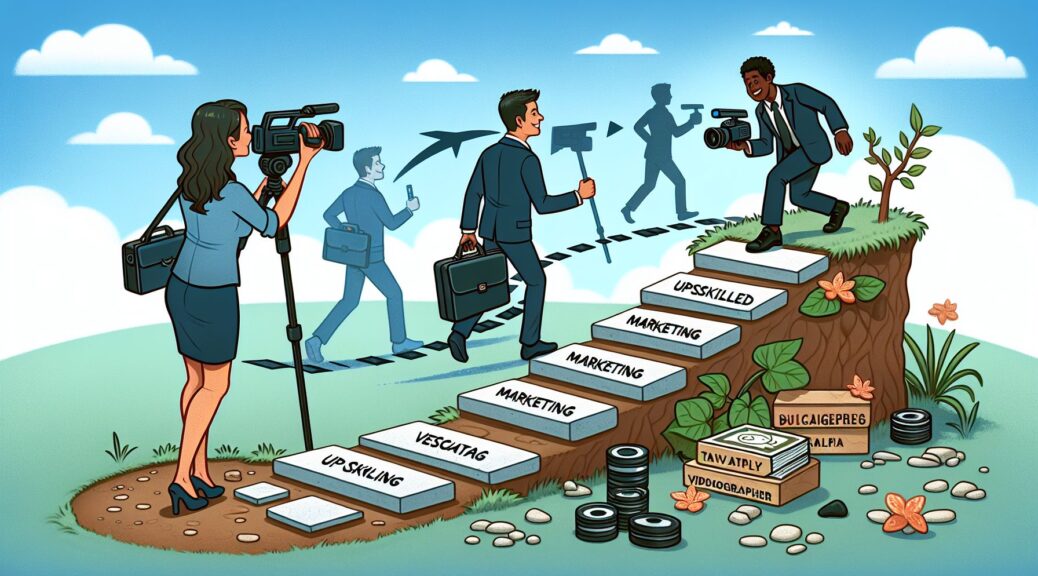
Becoming a Business-Oriented Videographer: Your Stepping Stones to Success

In the world of commerce, one cannot stress enough the significance of powerful and impactful video content. Thanks to the dramatic rise in the use digital platforms, more and more businesses now seek the assistance of a skilled videographer. If you are looking to immerse yourself into the world of corporate videography, let’s take you through an insightful roadmap that will help you effectively capture businesses’ stories in a compelling way.

Understanding the Bigger Picture: Video Marketing

Before we delve further into the nuts and bolts, it is important to understand the bigger picture—video marketing. Today’s businesses thrive on online advertising. Among the host of digital marketing tactics, video marketing stands out. Whether it’s about describing a product, advertising a service, or promoting corporate identity, video content is the most appealing format.

It appeals to the visual and auditory senses, and when done right, can be powerfully persuasive and engaging. As a videographer, your goal should be not just to shoot a video but to create a ‘visual story’ that resonates with the business’s target audience and communicates its message effectively. Hence, an understanding of video marketing strategies will allow you to create videos that deliver the desired results.

Developing the Right Skills

Be Technically Proficient

As a videographer, technical know-how is paramount. Know your camera like the back of your hand. Understand the essence of light, how to manipulate it, and how to work with different lighting conditions. Grasp how different kinds of cameras, lenses, and editing software work. Above all, practice, practice, and practice! Nothing can replace hands-on experience.

Record Quality Audio

Filmmaking is not just about videos, it’s significantly about the audio too! Quality audio augments video content and is a crucial contributor to the overall user experience. Learn how to record clear, engaging audio that complements your videos. Also, understand the best practices for reducing noise and improving audio clarity.

Be a Storyteller

Be a seasoned storyteller. Good storytelling captivates attention, builds brand connection, and drives action. Learn the art of storyboarding to structure your video, including the introduction, conflict, and resolution. Storytelling, combined with video shooting skills, can create magic!

Get Relevant Experience and Network

Start by shooting videos for local businesses that may not have the budget to hire a professional videographer. This allows you not only to practice but also to build a portfolio. Simultaneously, build connections with professionals in the industry. Attend conferences, workshops, and industry meetings to expand your network. Networking can often lead to fruitful opportunities.

Master the Art of Pitching

As a videographer for business owners, you’ll find that selling your skills is as important as utilizing them. Start by understanding the needs of each business, then tailor your pitch accordingly. Showcase your portfolio and demonstrate how your videos can help the business reach its goals.

Conclusion

Becoming a videographer for businesses is an exciting career journey filled with learning and creativity. Hone your technical skills, storytelling abilities, and learn how to create videos that align with a business’s marketing strategy. Gain experience, build a strong network, and perfect your pitching skills. Remember, every video you shoot is an opportunity to tell a compelling story about a business, its products, and services. So pick up that camera and create magic!

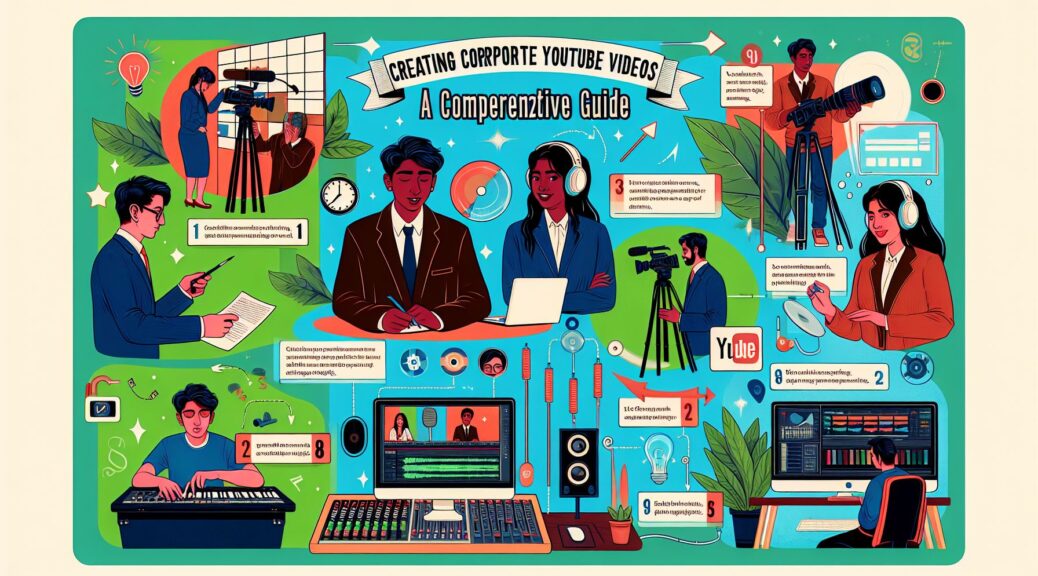
Creating Corporate YouTube Videos: A Comprehensive Guide

As society becomes increasingly digital, corporations must develop their online presence to connect with their target markets. YouTube, with over two billion logged-in monthly users, provides a popular platform for corporations to engage consumers. However, creating professional corporate videos can present a challenge. This guide will offer a step-by-step process of creating corporate YouTube videos, emphasizing video production and audio editing.

Conceptualize Your Content

Understanding your project scope is the first step. Develop a content strategy aligned with your corporate brand and objectives. Question to consider include, who is your target audience? What type of content will they find engaging? Utilize market research and performance analytics to inform your strategy.

Your video should tell a story, so plan how to communicate your message. A storyboard can be beneficial to visually map out each shot. Remember to balance informational and promotional content to keep viewers engaged while conveying your message.

High-Quality Video Production

Using professional-grade video equipment is essential to create a high-quality corporate video. While smartphones can capture decent videos, DSLR cameras provide better video quality and control. Invest in good lighting and use tripods for stabilization to enhance the quality of the video.

Master the rule of thirds – an essential composition technique in video production. The frame is divided into nine equal rectangles, and subjects are placed where the lines intersect to create a balanced aesthetic.

Keep shots varied to retain viewer interest – mix wide shots, medium shots, and close-ups. And don’t forget about B-roll – additional footage to support the main story – for greater flexibility during editing.

Crystal Clear Audio

High-quality audio is equally if not more critical as high-quality video. Bad sound can ruin good video. Invest in a quality microphone to ensure the voiceover and interviews sound clear and professional.

Do your shooting in a quiet location to avoid background noise and consider wind protection if recording outdoors. You may need to acquire a soundproofing solution to achieve a noise-free set.

Post-production and Editing

Once you have your raw video and audio footage, it’s time for the editing process. Use professional editing software like Adobe Premiere Pro or Final Cut Pro.

Start by organizing your footage. It’s good to follow your storyboard or shot list to ensure continuity. Trim clips selectively to ensure a smooth flow, and use transition effects to enhance the viewer’s experience.

For audio editing, use a tool like Audacity or Adobe Audition to clean up the audio and balance sound levels. Background music can enhance the viewing experience, but make sure it is royalty-free and doesn’t distract from the voiceover.

Thumbnails and SEO Optimization

After editing, create a compelling thumbnail as this is the first thing potential viewers see. The title and description should be catchy yet accurately represent the video content. Incorporate relevant keywords to improve discoverability.

Don’t forget to embed the video on your website and promote it on other social media platforms to drive views.

Monitor Performance and Improve

After publishing your video, measure its performance using YouTube Analytics. Assess views, likes, shares, comments, and watch time to inform your future content strategy. Learn from both successful and underperforming elements of your videos and continually improve your corporate video production process.

Conclusion

While creating corporate YouTube videos requires considerable effort and skill, the pay-off in viewer engagement and brand awareness can be massive. It involves conceptualizing educational and engaging content, capturing high-quality video and audio, and navigating post-production and SEO optimization. By following this guide, corporations can take significant steps toward YouTube success.

Harnessing the Power of Video Marketing for Business Growth

As the digital world keeps evolving, businesses have to adapt to reach and engage with their customers. Video, a dynamic medium that combines audio and visual elements, has emerged as an essential channel that can’t be ignored. This contemporary medium enables you to tell your brand story effectively and connect with your target market intimately. This article offers insight into how business owners can leverage video marketing to foster growth.

The Value of Video in Today’s Digital Landscape

Before we delve deeper into implementing video in your marketing strategy, let’s first understand its importance. Video is unmatched when it comes to engagement. It simplifies complex data and makes it digestible, engaging, and fun. In an age where audiences crave immediacy and prefer consuming information in bite-sized, visually appealing formats, video content can effortlessly cater to this demand. As per recent statistics, about 54% of consumers wish to see more video content from brands they support. Such statistics showcase the significance of integrating video into your marketing strategy.

Planning Your Video Marketing Strategy

Begin by identifying your video marketing goals. Are you looking to generate brand awareness? Or, are you seeking to boost online conversions? Having a clear-cut objective will guide your video production process and ensure that your final product aligns with your marketing goals.

Next, consider your target audience’s preferences. Monumental cinematic videos may appear enticing but may not resonate with your viewers if they prefer short informational videos. Therefore, always ensure that your video content resonates with your audience.

Lastly, always strive for consistency. Irregular posting schedules can create confusion and may even repel your audience. Maintaining a steady posting schedule is beneficial for both SEO and maintaining audience interest.

Production Quality Matters

While the ubiquitousness of smartphones means anyone can record a video, quality is crucial when utilizing video for business marketing. Sub-par quality videos can deter viewers, resulting in adverse effects on your company’s image.

On-camera, ensure the presenter demonstrates passion and has a pleasant demeanor. It’s important they accurately represent your brand. Opt for high resolution, clear lighting, and an appealing backdrop. Captions can supplement your video to enhance understanding and improve accessibility.

Quality audio is another crucial factor. Clear audio ensures your message gets across without hindrance. Investing in a decent microphone can dramatically improve your video’s overall quality and efficacy.

Distribution is Key

Creating an excellent video that effectively communicates your brand’s message is only half the battle. The next, and equally important, step is distribution.

Begin with your owned media channels, like your website, blog, or social media pages. Then, consider platforms where your target audience typically consumes video content. YouTube, Facebook, and Instagram are among the most popular platforms for video sharing.

Moreover, don’t forget about email marketing. Videos in emails can boost click-through rates significantly and improve customer engagement rates.

Search Engine Optimization (SEO) isn’t limited to blog posts and articles. Incorporating keywords into your video description and transcripts can elevate your SEO ranking and help your video content reach more people.

Wrapping Up

Today’s customers demand personal connection and value from the businesses they patronize. Video marketing, if done right, allows businesses to meet these demands effectively.

To recap, the crux of successful video marketing lies in understanding your audience, creating high-quality video content that resonantly communicates your brand story, and strategizing distribution to reach the right people at the right time.

Video marketing may seem daunting initially, but the potential rewards for your business are immense and worth every bit of effort. So grab your camera, plan your storyboard, and dive into the captivating world of video marketing. Your business growth awaits!

Choosing the Best Microphones for Podcasting: A Comprehensive Guide for Podcasters

Podcasts are skyrocketing in popularity around the world, becoming a leading form of entertainment and information dissemination. High-quality audio is a key determinant of a podcast’s success, and it all boils down to one crucial accessory: the microphone. This article will guide you through some of the top microphone choices for podcasting, perfect for every budget and every level of expertise.

Decide Between XLR and USB

Before you choose a specific microphone, the first decision you need to make is whether to opt for an XLR or a USB microphone.

USB microphones are incredibly easy to use, making them perfect for beginner podcasters. You simply plug them into a computer or laptop, and you’re ready to start recording. The Audio-Technica ATR2100-USB is a solid, affordable USB microphone with clear sound quality, which is why it’s a favorite among many podcasters.

Meanwhile, XLR microphones might require a bit more setup, requiring an audio interface to connect to your computer. However, they provide superior audio quality making them the go-to choice for professional podcasters. The Heil PR-40 is a dynamic microphone with an XLR connection that’s well-loved in the podcasting industry for producing warm, rich vocal tones.

Condenser VS Dynamic Microphones

The second thing you have to decide on is whether to go with a condenser or dynamic microphone.

Condenser Microphones, like the Audio-Technica AT2020, are known for capturing more detail and a higher range of frequencies, making them fantastic for studio recording. However, they are sensitive to background noise and require a sound-treated space for the best results.

Dynamic Microphones, on the other hand, are less sensitive and better suited for less-than-ideal recording environments. They excel at picking up sounds directly in front of them and minimizing background noise. Examples include the Shure SM58 and Rode PodMic, both of which deliver exceptional sound quality.

Best Microphones for Podcasting

Having covered the basics, let’s delve into some of the top microphone choices in the market suitable for podcasting.

The Shure SM7B

A favorite among many seasoned podcasters, the Shure SM7B is a dynamic microphone that delivers a clean, natural reproduction of both speech and music. With excellent shielding against electromagnetic hum, it ensures that no unwanted sounds interfere with your recording. It’s a top-end choice but definitely worth the investment.

The Rode NT-USB

The Rode NT-USB is a highly versatile microphone that provides outstanding sound for both vocals and musical performances. It’s effortless to use and comes equipped with a pop shield, tripod desk stand, a ring mount, and a storage pouch. It’s very durable, and the USB connection makes it straightforward to set up for those new to podcasting.

Audio-Technica ATR2100x-USB

An update of the aforementioned ATR2100-USB, the ATR2100x-USB is a practical, affordable option with both USB and XLR connections, making it a versatile choice no matter how you plan to record. Its sound quality is outstanding for its price, and it’s easy to set up and use.

Conclusion

Choosing the right microphone is critical to producing a high-quality podcast that your audience will enjoy. Whether you opt for a USB or XLR, condenser or dynamic, remember: even the best microphone can’t make up for a poorly planned podcast. So make sure you spend as much time honing your content as you do selecting your equipment. Be sure to consider your budget, your recording environment, and your technical proficiency when choosing your microphone. With the right tools and great content, your podcast can sound as professional as any out there!

The Power of Video in Email for Podcasters

As a podcaster, you are in the business of storytelling through sounds. You use audio to engage your audience, to share information and to evoke emotion. But are you making full use of the visual possibilities to enhance your audience’s experience and broaden your reach? One powerful but often overlooked tool is integrating video in emails. This blog post will guide you through the benefits of using video in email campaigns and tips on how to strengthen your podcast brand with this video marketing technique.

Why Use Video?

You might be wondering why podcasters like yourself should use video in the first place. Isn’t audio enough? As it turns out, a well placed and composed video can benefit your podcast significantly.

  • Boost Engagement: When successful, videos are excellent drivers of user engagement. According to a study by Hubspot, 54% of consumers wanted to see more video content from a brand or business they support.
  • Expand Reach: Videos can attract new listeners for your podcast, particularly those who have not yet ventured into the world of podcasting.
  • Spice Up Your Emails: Videos can add an interesting dynamic to your existing email newsletters by showing behind-the-scenes footage, teasers of upcoming episodes, or visual aids that complement your podcast content.

Choosing Your Content

Now that you understand the benefits of using video, your next question may be what kind of content can you create for your videos? Here are some ideas:

  • Teasers: Tease new episodes by giving a brief overview of the topic or guest.
  • Behind the Scenes: Show your audience a sneak peek of what goes on during recording, editing, and brainstorming sessions.
  • Tutorials: If your podcast content includes teaching or demonstrating something, a video tutorial can be more instructive and engaging.

Creating Quality Video and Audio

Creating a video with quality audio is essential for podcasters. You already know the importance of good sound in your podcast episodes, and this same rule applies for your videos. Here’s how you can do it:

  • Invest in Good Equipment: Microphone and camera quality is essential. While there’s no need for high-end studio equipment, investing in a good quality microphone and a decent camera will significantly improve your output.
  • Pay Attention to Lighting and Background: Good lighting ensures the viewer can see you clearly and that you look professional. Likewise, a quiet, clean, and not distracting background is crucial.
  • Record Quality Audio: The built-in microphone on your camera might not provide the best sound. To ensure quality audio, record your voiceover using a standalone microphone, then overlay this audio on your video during post-production.

How to Embed Video in Email

After creating your video, it’s time to include it in your emails. Most email clients don’t support embedded video directly in the email. A reliable workaround is to include a clickable thumbnail image that links to your video.

  1. Upload your video on a video-sharing platform like YouTube or Vimeo.
  2. Take a screenshot of your video or create a separate enticing thumbnail image.
  3. Embed this image in your email and hyperlink it to your video.

Conclusion

Adding video to your podcast’s email marketing strategy has the potential to boost engagement, expand your reach, and add a dynamic layer to your content. Podcasting might be an audio-first direction, but incorporating videos in your emails serves as an effective support tool to enhance the user’s overall experience and engagement. Remember, the goal is to create compelling, quality video content that provides value to your audience. Making videos that resonate with your listeners, coupled with an efficient email marketing strategy, can significantly help your podcast grow.