All posts by Kristin Payne

How to Create Business Videos for YouTube: A Guide for Small Business Owners

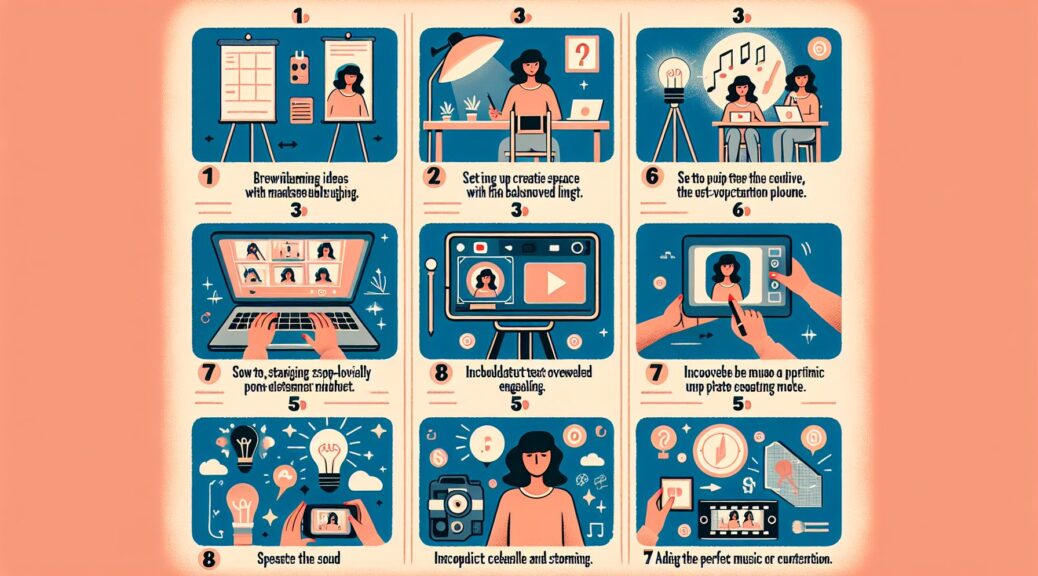
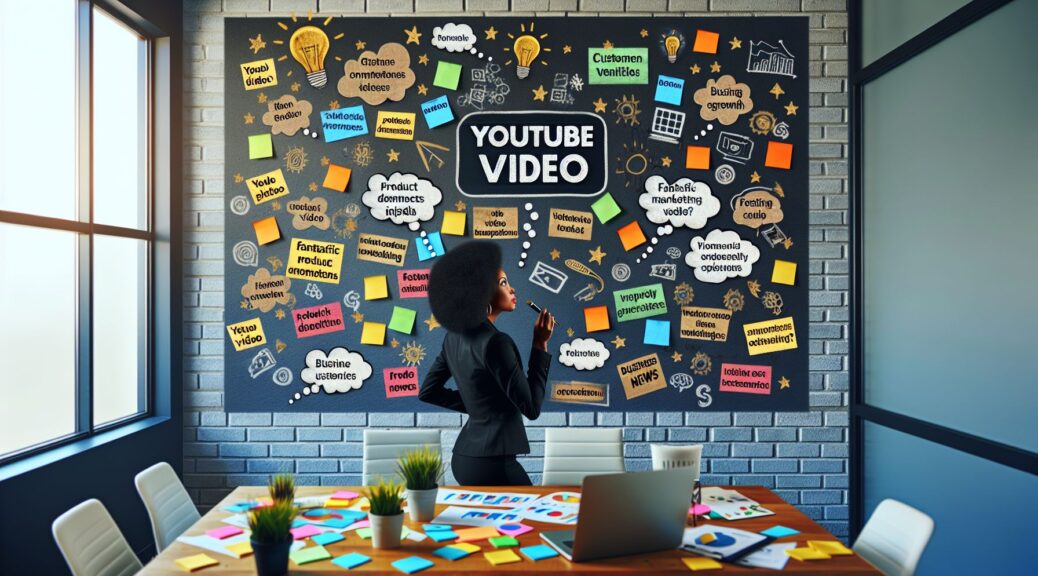
As a small business owner, you’re constantly looking for ways to reach more customers and grow your brand. Here, we will guide you on how to produce ideal videos for your business’s YouTube channel. A well-crafted video can help you communicate your brand message, showcase your products or services, and engage your customers effectively.

Let’s dive into a process to help small business owners create quality videos aimed at fostering customer interactions and making their business stand out.

Writing the Script

Writing a script is the first step in our video-creation process. As a small business owner, your script should reflect what you want your audience to know about your company. Make sure the script is clear, succinct, and communicates your message effectively.

Preproduction Planning

Preproduction involves all preparations before the actual filming. A proper plan will help streamline your video production process. This stage includes preparing props, scouting locations, casting, budgeting, and scheduling. Don’t neglect the importance of good lighting and quality audio. Remember, poor audio quality can misrepresent your brand and decrease video engagement.

Video Filming

Once you’ve arranged everything as per your plan, it’s time to start filming. Do multiple takes and focus on getting the footage you need. Pay close attention to your video framing, background noise, and lighting.

Postproduction and Video Edition

Postproduction involves editing your raw footage into a cohesive narrative that aligns with your script. Here, you can start adding creative elements like graphics, animations, and music. These features give your video a professional touch and help reinforce your brand’s identity.

Free video editing software like OpenShot, Lightworks, and HitFilm Express can save costs for small businesses that have restrained budgets.

Uploading the Video on YouTube

YouTube provides an ideal platform for small businesses to share video content with potential customers. Before you can upload your video, you need to set up a dedicated business YouTube channel.

When uploading, pay attention to essential details like the video’s title, description, and tags, which help boost your SEO rankings. A catchy thumbnail can generate more clicks and increase views.

Implement YouTube SEO practices. ‘Keywords’ in the form of tags, titles, and descriptions help Google understand the content of your video. Using relevant keywords makes it easier for users to find your videos when searching for related topics.

Engaging your Audience

After your video has been uploaded, it’s time to promote it and interact with your audience. Respond to comments and engage with viewers. It’s a useful way to humanize your brand and foster customer relationships.

Tracking Engagement

Monitor your video’s performance and take note of points of engagements and areas you could improve. Understand what content your audience primarily engages with, and you can tailor your future videos to match these needs.

In conclusion, creating compelling video content for your small business YouTube channel need not be exhausting or expensive. By incorporating strategic planning, paying attention to audio quality, and leveraging free resources, you can create quality videos that resonate with your customers and propel your brand’s growth.

Remember, the ultimate goal isn’t to achieve Hollywood-level production quality but to communicate your brand’s message clearly and authentically to your customers. As you continue creating videos, you’ll get better, your process will become more efficient, and your small business will reap the benefits of your effort.
Leveraging Video Marketing for Creators

In today’s digital age, content creators are constantly looking for new ways to engage their audience and grow their following. One of the most effective tools in a creator’s arsenal is video marketing. By incorporating high-quality video content into your strategy, you can captivate and connect with your audience in a way that static images and text simply can’t match. In this post, we’ll explore how creators can leverage video marketing to attract and retain viewers, ultimately leading to increased brand visibility and revenue.

Use Streaming Video to Engage Your Audience

One of the most powerful ways to use video for marketing is through live streaming. Platforms like Twitch, YouTube live, and Facebook Live provide creators with the opportunity to interact with their audience in real-time, fostering a sense of community and connection that can’t be replicated through pre-recorded content. By streaming regularly, you can engage with your viewers, answer their questions, and provide exclusive behind-the-scenes access that keeps them coming back for more.

In addition to live streaming, creators can also create pre-recorded video content that showcases their skills, personality, and unique perspective. Whether it’s a tutorial, a vlog, or a product review, video allows you to showcase your creativity and expertise in a visually compelling way. By consistently creating and sharing high-quality video content, you can establish yourself as a thought leader in your niche and attract a loyal following of fans and supporters.

Utilize Post Production to Enhance Your Video Content

Once you’ve created your video content, it’s essential to invest time in post-production to ensure that your videos are polished and professional. Editing software like Adobe Premiere Pro or Final Cut Pro allows you to trim footage, add music and graphics, and fine-tune the color and sound of your videos. By taking the time to edit your content, you can create a cohesive and visually appealing video that captivates your audience from start to finish.

In addition to editing, creators can also leverage post-production techniques like color grading and sound design to enhance the overall look and feel of their videos. Color grading can help set the mood and tone of your content, while sound design can make your videos more immersive and engaging. By paying attention to these details, you can create a video that not only informs and entertains but also leaves a lasting impression on your viewers.

Conclusion

In conclusion, video marketing is an essential tool for creators looking to grow their audience and establish their brand in the competitive digital landscape. By incorporating streaming video and post-production techniques into your strategy, you can create compelling and visually stunning content that attracts and retains viewers. Whether you’re live streaming on Twitch or editing a tutorial on YouTube, video marketing allows you to connect with your audience in a powerful and meaningful way. So, take advantage of the opportunities that video offers, and watch your following and revenue grow as a result.

The Best Video Editing Software for Students: Enhance Your Projects with Professional Tools

In today’s digital age, creating high-quality videos has become an essential skill for students in various fields, from journalism to marketing to entertainment. Whether you’re working on a school project, a YouTube channel, or a personal portfolio, having the right video editing software can make a world of difference in the final product. But with so many options available on the market, how do you know which one is the best for your needs?

When it comes to video editing software for students, there are several key features to consider. You’ll want a program that is easy to use, offers a wide range of editing tools and effects, and provides professional-level results. To help you navigate the crowded landscape of video editing software, we’ve compiled a list of the best options for students looking to elevate their projects to the next level.

Adobe Premiere Pro

Adobe Premiere Pro is widely considered the industry standard for professional video editing software, making it an excellent choice for students looking to hone their editing skills. With its intuitive interface, powerful editing tools, and seamless integration with other Adobe products like After Effects and Photoshop, Premiere Pro offers a comprehensive solution for all your video editing needs. Whether you’re working on a simple school project or a complex multimedia presentation, Premiere Pro has the tools you need to bring your vision to life.

Final Cut Pro X

For Mac users, Final Cut Pro X is a popular choice for video editing software. With its streamlined interface, powerful performance, and robust feature set, Final Cut Pro X is a favorite among students and professionals alike. The software offers a wide range of editing tools, effects, and transitions, allowing you to create polished, professional-looking videos with ease. Plus, with its seamless integration with other Apple products, Final Cut Pro X is a great choice for students who already use Mac computers or iOS devices.

DaVinci Resolve

DaVinci Resolve is another top contender in the world of video editing software, offering a powerful suite of tools for both editing and color grading. With its advanced editing capabilities, real-time collaboration features, and industry-leading color correction tools, DaVinci Resolve is a great choice for students looking to take their projects to the next level. Plus, with its free version offering many of the same features as its paid counterpart, DaVinci Resolve is a budget-friendly option for students on a tight budget.

iMovie

For students just starting out with video editing, iMovie is a great entry-level option. Available for Mac and iOS devices, iMovie offers a simple yet effective way to edit and share videos quickly and easily. With its intuitive interface, drag-and-drop functionality, and built-in templates, iMovie is a great choice for students looking to dip their toes into the world of video editing without feeling overwhelmed. Plus, with its seamless integration with other Apple products, iMovie is a great choice for students who already use Mac computers or iOS devices.

Conclusion

In conclusion, choosing the right video editing software is essential for students looking to create high-quality videos for school projects, personal portfolios, or online content. Whether you’re a beginner looking to dip your toes into the world of video editing or an experienced student looking to take your projects to the next level, there is a software option out there that meets your needs. By considering factors like ease of use, editing tools, and budget, you can find the perfect video editing software to enhance your projects and showcase your creativity.

Tips for Creating Videos for TikTok as a Blogger

In today’s digital age, TikTok has become one of the most popular social media platforms for sharing short videos. As a blogger, utilizing TikTok can be a great way to reach a new audience and increase your online presence. However, creating engaging and high-quality videos for TikTok can be a bit daunting if you’re new to the platform. Here are some tips to help you create video content for TikTok that will resonate with your audience.

1. Plan Your Content

Before you start filming, take some time to plan out your video content. Think about what you want to convey to your audience and come up with a clear message or theme for your video. Consider the length of your video – TikTok videos are typically short, so keep it concise and to the point. Planning your content ahead of time will make the filming process much smoother and will help ensure that your video is engaging and impactful.

2. Use Eye-Catching Visuals

TikTok is a visually-driven platform, so it’s important to use eye-catching visuals in your videos. Make use of vibrant colors, interesting camera angles, and creative editing techniques to grab your audience’s attention. Experiment with different visual elements such as text overlays, filters, and transitions to make your videos stand out from the crowd. Remember, the more visually appealing your video is, the more likely it is to capture the viewer’s interest.

3. Incorporate Trends and Challenges

One of the keys to success on TikTok is to stay up to date with the latest trends and challenges. Keep an eye on what’s trending on the platform and think about how you can incorporate these trends into your own content. Participating in popular challenges or using trending hashtags can help increase the visibility of your videos and attract new followers. Just make sure to put your own unique spin on the trend to make your content stand out.

4. Utilize Music and Audio

Music and audio play a crucial role in TikTok videos, so be sure to choose a catchy soundtrack that complements your video content. You can either use TikTok’s library of songs and sound effects or upload your own audio. Consider using popular songs or soundbites that align with the theme of your video to create a more engaging viewing experience. Remember to adjust the volume levels and ensure that the audio quality is clear and crisp.

5. Engage with Your Audience

Lastly, don’t forget to engage with your audience on TikTok. Respond to comments, answer questions, and interact with other users to build a loyal following and foster a sense of community. Encourage viewers to like, comment, and share your videos to increase engagement and reach a wider audience. Building a strong rapport with your followers will not only boost your visibility on TikTok but also help you establish yourself as a reputable blogger in your niche.

In conclusion, creating videos for TikTok as a blogger can be a fun and rewarding experience if done right. By planning your content, using eye-catching visuals, incorporating trends, utilizing music and audio, and engaging with your audience, you can create compelling video content that resonates with your audience and helps you grow your online presence. So, grab your camera and start creating amazing videos for TikTok today!

#How to Craft Captivating Copy for Videos as a Small Business Owner

In the fast-paced world of digital marketing, it can often feel overwhelming to create video content that truly captures the attention of your audience. As a small business owner, you may not have the budget to hire a professional videographer or a team of writers to craft compelling scripts for your videos. However, with the right techniques, you can still create engaging and captivating copy for your videos that will resonate with your target audience.

Introduction: The Power of Words in Video Marketing

Words have the power to evoke emotions, tell stories, and persuade viewers to take action. When it comes to video marketing, the script is the backbone of your content. It sets the tone, delivers your message, and drives engagement. By crafting captivating copy for your videos, you can effectively communicate your brand’s values, showcase your products or services, and ultimately drive conversions.

Body: Tips for Writing Compelling Video Copy

  1. Know Your Audience: Before you start writing your video script, take the time to understand who your target audience is. What are their needs, pain points, and desires? Tailor your messaging to resonate with your ideal customers and speak to their specific interests.

  2. Keep it Concise: In today’s digital age, attention spans are shorter than ever. To keep viewers engaged, be sure to keep your copy concise and to the point. Cut out any unnecessary fluff and focus on delivering your message in a clear and captivating way.

  3. Tell a Story: People love stories. By incorporating storytelling elements into your video script, you can create a memorable and engaging experience for your audience. Whether it’s sharing a customer success story, highlighting your brand’s journey, or showcasing the behind-the-scenes of your business, storytelling can help you connect with viewers on a deeper level.

  4. Use Persuasive Language: When crafting your video copy, be sure to use persuasive language that compels viewers to take action. Whether it’s urging them to sign up for a newsletter, make a purchase, or visit your website, be sure to include clear calls-to-action throughout your script.

  5. Showcase Benefits, Not Features: Instead of simply listing the features of your products or services, focus on highlighting the benefits that your audience will receive. How will your offering solve their problems or improve their lives? By emphasizing the value that you provide, you can better connect with your viewers and drive conversions.

  6. Edit and Revise: Once you’ve written your video script, be sure to edit and revise it multiple times. Check for grammar and spelling errors, make sure the tone is consistent, and ensure that your messaging is clear and compelling. Consider getting feedback from trusted colleagues or friends to ensure that your script is effective.

Conclusion: The Key to Crafting Compelling Video Copy

In conclusion, crafting captivating copy for your videos as a small business owner is a crucial aspect of your digital marketing strategy. By following the tips outlined above and honing your writing skills, you can create video content that resonates with your audience, drives engagement, and ultimately leads to increased conversions for your business. Remember, the power of words in video marketing cannot be underestimated – so make sure to invest time and effort into creating compelling scripts that truly capture the essence of your brand.

Best Video Cameras for Vlogging for Corporations

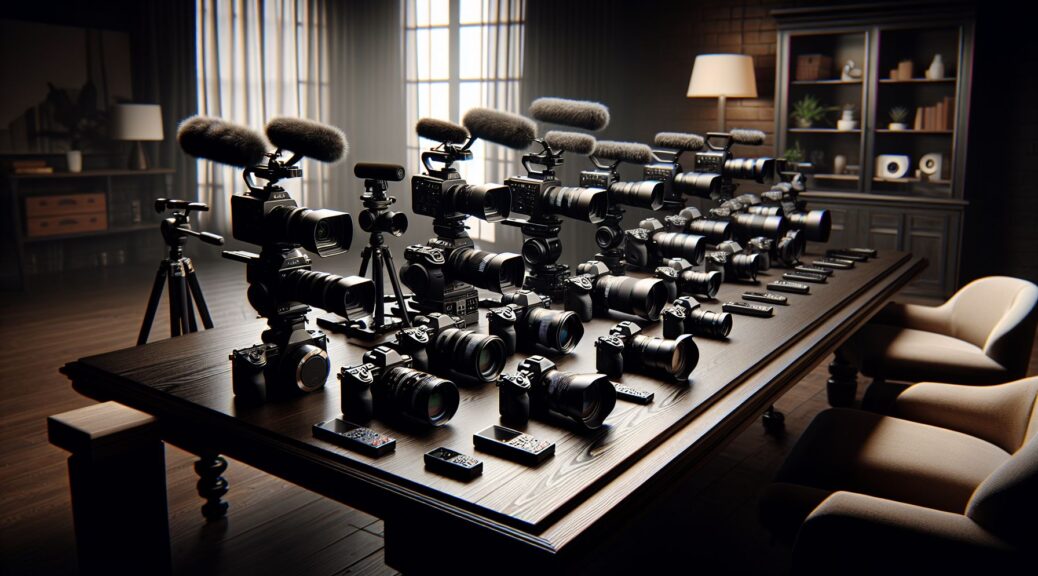
In today’s digital age, video content has become a key component of any successful marketing strategy. Whether it’s showcasing products, sharing company updates, or engaging with customers, video has the power to communicate messages in a compelling and impactful way. For corporations looking to leverage the power of video blogging (vlogging), having the right equipment is essential. With so many options available on the market, it can be overwhelming to choose the best video camera for your corporate vlogging needs. In this article, we’ll explore some of the top cameras that are ideal for corporate vlogging, taking into consideration factors such as video quality, audio capabilities, and ease of use.

Canon EOS M50

The Canon EOS M50 is a popular choice among vloggers due to its excellent video quality and user-friendly features. With 4K video recording capabilities, a flip-out touchscreen display, and dual pixel autofocus technology, the EOS M50 is a versatile camera that can help corporations create professional-looking vlogs. Its compact size and lightweight design make it easy to carry around for on-the-go shooting, while its built-in microphone ensures clear and crisp audio for your vlogs.

Sony A6400

For corporations looking for a more advanced vlogging camera, the Sony A6400 is a top contender. With its impressive autofocus system, 4K video recording, and excellent low-light performance, the A6400 is a powerhouse camera that can deliver stunning video quality for corporate vlogs. Its tilting touchscreen display and microphone input make it a versatile choice for vloggers who require high-quality audio and video capabilities.

Panasonic Lumix GH5

The Panasonic Lumix GH5 is another excellent option for corporations looking to up their vlogging game. With its 4K video recording, 5-axis image stabilization, and weather-sealed body, the GH5 is a durable and reliable camera that can withstand challenging shooting conditions. Its high-resolution viewfinder and dual SD card slots make it a practical choice for vloggers who require multiple storage options and precise composition capabilities.

DJI Osmo Pocket

For corporations that prioritize portability and convenience, the DJI Osmo Pocket is a compact and innovative vlogging camera that delivers impressive video quality in a small package. With its built-in gimbal stabilization, 4K video recording, and intelligent shooting modes, the Osmo Pocket is a versatile camera that can capture smooth and professional-looking footage for corporate vlogs. Its small size and intuitive touchscreen interface make it an ideal choice for vloggers who are always on the go.

Conclusion

When it comes to corporate vlogging, having the right equipment can make all the difference in the success of your video content. With the right camera, corporations can create engaging and professional vlogs that resonate with their audience and strengthen their brand presence. Whether you prioritize video quality, audio capabilities, or portability, there is a vlogging camera that meets your corporate needs. By investing in a high-quality camera that aligns with your goals and objectives, corporations can elevate their vlogging game and maximize the impact of their video marketing efforts.

The Art of Recording Cinematic Video for Corporations

In today’s digital age, video has become an essential tool for corporations to communicate their brand, message, and values to their audience. But not all video content is created equal. In order to stand out from the competition and capture the attention of viewers, corporations must strive to create cinematic video that is engaging, professional, and visually stunning.

Recording cinematic video for corporations requires careful planning, attention to detail, and a creative eye. In this article, we will explore the key steps to creating high-quality cinematic video for corporations, from pre-production to post-production.

Pre-Production

The first step in recording cinematic video for corporations is pre-production. This is where you will plan and prepare for the video shoot, ensuring that everything goes smoothly on the day of filming. Here are some key tasks to complete during the pre-production phase:

  1. Storyboarding: Create a detailed storyboard that outlines the shots, scenes, and sequences you want to include in the video. This will help you visualize the final product and ensure that you capture all the necessary footage.

  2. Location Scouting: Find the perfect locations for your video shoot, taking into account factors such as lighting, acoustics, and aesthetics. Make sure to secure any necessary permits or permissions ahead of time.

  3. Equipment Check: Ensure that you have all the necessary equipment for the shoot, including cameras, lenses, tripods, and lighting. Test your equipment to make sure everything is in working order.

Production

Once you have completed the pre-production phase, it’s time to start filming. During the production phase, focus on capturing high-quality footage that will bring your vision to life. Here are some tips for a successful video shoot:

  1. Lighting: Pay close attention to lighting during the shoot, as it can make a huge difference in the overall look and feel of your video. Use natural light whenever possible and consider using additional lighting equipment for indoor shoots.

  2. Composition: Frame your shots carefully, paying attention to the rule of thirds, leading lines, and visual balance. Experiment with different angles and perspectives to create dynamic and visually interesting shots.

  3. Camera Movement: Incorporate smooth camera movements, such as pans, tilts, and tracking shots, to add visual interest to your video. Consider using a stabilizer or slider to achieve professional-looking footage.

Post-Production

After the video shoot is complete, it’s time to move on to the post-production phase. This is where you will edit and enhance your footage to create a polished, cinematic video for your corporation. Here are some key steps to take during post-production:

  1. Editing: Use video editing software to trim and arrange your footage, adding transitions, effects, and graphics as needed. Pay attention to pacing and timing to keep viewers engaged throughout the video.

  2. Color Grading: Enhance the visual appeal of your video by adjusting the color and contrast to create a cohesive and professional look. Experiment with different color grading techniques to achieve the desired aesthetic.

  3. Sound Design: Pay attention to the audio aspect of your video, adding narration, music, and sound effects to enhance the overall experience. Make sure that the audio quality is clear and balanced throughout the video.

Conclusion

Recording cinematic video for corporations requires careful planning, attention to detail, and a creative approach. By following the key steps outlined in this article, you can create high-quality, engaging video content that will help your corporation stand out in a competitive market. Remember to focus on pre-production, production, and post-production to ensure that your cinematic video is professional, visually stunning, and effective in communicating your message to your audience.

How to Become a Videographer for Creators

Are you passionate about creating visually stunning videos and telling compelling stories through the lens of a camera? Do you dream of working as a videographer for creators, helping them bring their ideas to life? If so, you’ve come to the right place. In this blog post, we will guide you through the steps to becoming a successful videographer in the world of content creation.

Introduction

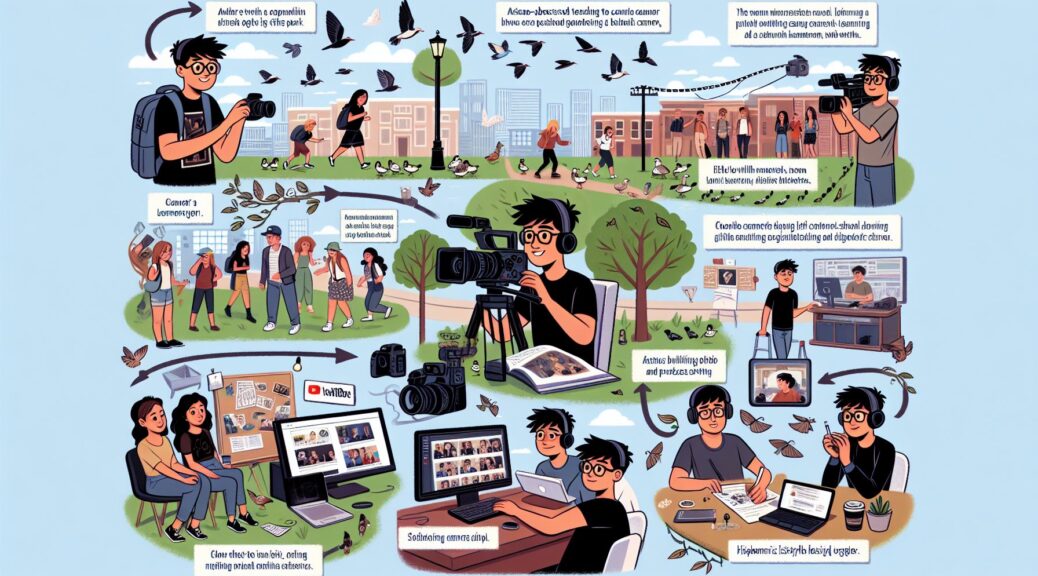
Videography is a rapidly growing field that offers endless opportunities for creative individuals to showcase their skills. Whether you’re interested in capturing breathtaking landscapes, filming engaging interviews, or producing captivating promotional content, there is a demand for talented videographers in almost every industry. As a videographer for creators, you will work closely with content producers, influencers, and brands to produce high-quality videos that resonate with their audience.

Body

1. Learn the Basics

Before you can start working as a videographer, you need to build a solid foundation of technical knowledge and skills. Familiarize yourself with different types of cameras, lenses, and editing software. Practice shooting and editing videos to hone your craft and develop your own unique style. Understanding the basics of lighting, composition, and sound design is essential for creating professional-looking videos.

2. Build a Portfolio

As a videographer, your portfolio is your most important asset. It showcases your skills, style, and creativity to potential clients and employers. Start by creating a website or online portfolio where you can showcase your best work. Include a variety of videos that demonstrate your range and expertise, from short films to commercials to music videos. Collaborate with other creators on personal projects to expand your portfolio and gain valuable experience.

3. Network and Collaborate

Networking is key to establishing yourself as a videographer for creators. Attend industry events, workshops, and meetups to connect with other professionals in the field. Collaborate with content creators, influencers, and brands to expand your network and gain exposure. Building relationships with potential clients and collaborators can lead to new opportunities and projects.

4. Stay Updated

The world of videography is constantly evolving, with new technologies and trends emerging all the time. Stay updated on the latest gear, techniques, and software to remain competitive in the industry. Continue learning and experimenting with different styles and formats to push your skills to the next level. Take online courses, attend workshops, and seek feedback from peers to improve your craft.

5. Market Yourself

To attract clients and stand out in a competitive market, you need to market yourself effectively. Create a strong brand identity that reflects your style and values as a videographer. Use social media platforms like Instagram, YouTube, and LinkedIn to showcase your work and connect with potential clients. Develop a marketing strategy that highlights your unique selling points and targets your ideal clients.

Conclusion

Becoming a videographer for creators is a rewarding and challenging journey that requires dedication, creativity, and perseverance. By learning the basics, building a strong portfolio, networking with industry professionals, staying updated on industry trends, and marketing yourself effectively, you can turn your passion for videography into a successful career. Remember to stay true to your vision and always strive for excellence in your work. With hard work and determination, you can achieve your goals and become a respected videographer in the world of content creation.

The Importance of Multiple Camera Angles for Podcasters

In the world of podcasting, there are many factors that contribute to creating a successful and engaging show. One important aspect that often gets overlooked is the use of multiple camera angles during the recording and production process. While it may seem like a minor detail, having multiple camera angles can significantly enhance the overall viewing experience for your audience.

When it comes to creating a visually appealing podcast, having multiple camera angles adds depth and dimension to your content. It allows you to capture different perspectives, highlight key moments, and keep your audience engaged throughout the entire episode. In this blog post, we will explore the importance of using multiple camera angles for podcasters and how it can elevate the quality of your show.

Enhancing Visual Appeal

One of the main benefits of incorporating multiple camera angles into your podcast is the visual appeal it brings to your content. By switching between different camera angles, you can create a more dynamic and engaging viewing experience for your audience. Whether you are conducting interviews, hosting discussions, or presenting information, having multiple camera angles allows you to capture different angles and perspectives, keeping viewers visually stimulated and interested in what you have to say.

Highlighting Key Moments

Another advantage of using multiple camera angles is the ability to highlight key moments during your podcast. Whether it’s a poignant statement, a reaction from a guest, or a demonstration of a concept, having multiple camera angles allows you to zoom in on these moments and emphasize their importance. By strategically using different camera angles, you can draw attention to specific moments and create a more impactful viewing experience for your audience.

Keeping Your Audience Engaged

In today’s digital age, it’s important to keep your audience engaged throughout your podcast episode. With the abundance of content available online, viewers have a short attention span and are quick to move on if they are not captivated by what they are watching. By using multiple camera angles, you can create a more dynamic and visually interesting show that keeps your audience engaged from start to finish. Whether it’s a close-up shot of a speaker, a wide shot of a panel discussion, or a split-screen view of multiple guests, utilizing different camera angles can help retain viewers’ attention and enhance their overall viewing experience.

The Production Process

When it comes to incorporating multiple camera angles into your podcast, the production process can be quite complex. From setting up multiple cameras, positioning them at different angles, coordinating camera movements, and editing footage during post-production, there are many technical aspects to consider. However, with the right equipment, expertise, and planning, utilizing multiple camera angles can elevate the quality of your podcast and make it stand out from the competition.

Conclusion

In conclusion, the use of multiple camera angles is a crucial aspect of creating a successful and engaging podcast. By enhancing the visual appeal of your content, highlighting key moments, and keeping your audience engaged, multiple camera angles can elevate the quality of your show and make it more appealing to viewers. While the production process may be complex, the benefits of using multiple camera angles are undeniable. So, if you want to take your podcast to the next level, consider incorporating multiple camera angles into your recording and production process. Your audience will thank you for it.

The Power of Video Sales Letters for Business Owners

In today’s digital age, effective marketing strategies are essential for business success. One strategy that has been gaining popularity in recent years is the use of video sales letters. But what exactly is a video sales letter, and how can it benefit your business? In this post, we will explore the ins and outs of video sales letters and why they are a valuable tool for business owners.

What is a Video Sales Letter?

A video sales letter is a video presentation that is specifically designed to sell a product or service. It is typically a short video that combines persuasive storytelling with a call to action, encouraging viewers to take a specific action, such as making a purchase or signing up for a newsletter. Video sales letters are often used as part of a larger marketing campaign and can be an effective way to engage and convert potential customers.

The Benefits of Using Video Sales Letters

There are several key benefits to using video sales letters in your marketing strategy. One of the main advantages is that video is a highly engaging and persuasive medium. Studies have shown that people are more likely to watch a video than read a lengthy text-based sales letter, making video sales letters an effective way to capture and hold the attention of your audience.

Another benefit of video sales letters is that they allow you to convey your brand message in a more compelling and memorable way. By using visuals, music, and storytelling techniques, you can create a powerful emotional connection with your audience, making it more likely that they will remember your brand and consider making a purchase.

Additionally, video sales letters can be highly customizable and targeted. You can create different versions of your video sales letter for different segments of your audience, allowing you to tailor your message to specific demographics or interests. This level of personalization can help you reach the right people with the right message, increasing your chances of success.

How to Create a Video Sales Letter

Creating a video sales letter may seem daunting, but with the right tools and techniques, it can be a relatively straightforward process. One of the most popular tools for creating video sales letters is YouTube, which offers a range of features for editing and customizing your videos.

When creating a video sales letter, it is important to keep your audience in mind. Start by outlining the key points you want to convey in your video, and then script out your message to ensure that it is clear, concise, and persuasive. Use visuals, music, and animations to enhance your message and make your video more engaging.

Once you have created your video sales letter, make sure to promote it across your social media channels and website to maximize its reach. Consider using paid advertising to target specific audiences and drive traffic to your video sales letter.

Conclusion

In conclusion, video sales letters are a powerful marketing tool that can help business owners engage and convert their audience. By utilizing the engaging and persuasive nature of video, business owners can create compelling sales messages that resonate with their target audience. If you are looking to take your marketing efforts to the next level, consider incorporating video sales letters into your strategy. With the right tools and techniques, you can create impactful video sales letters that drive results for your business.