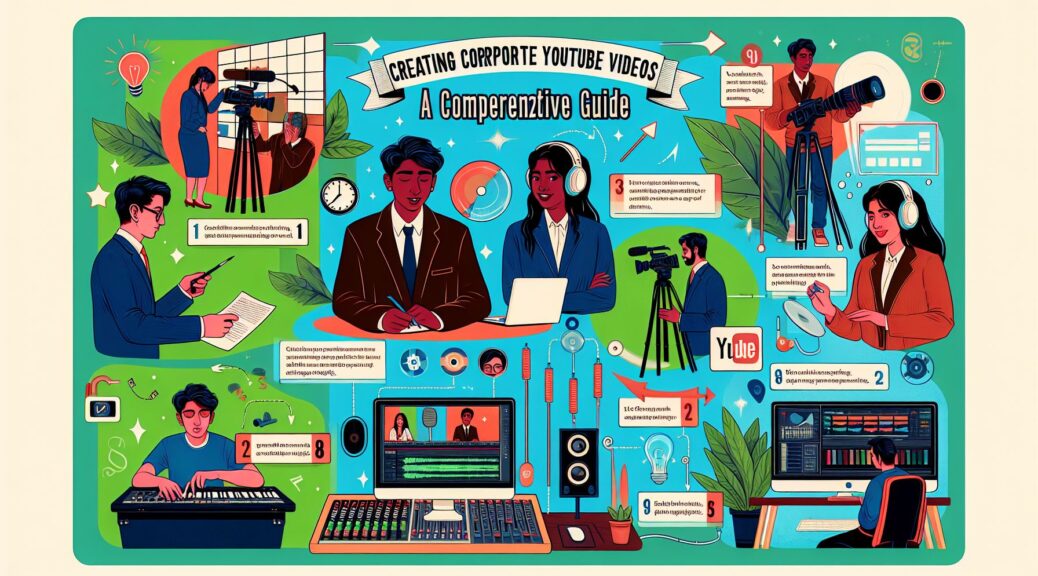
As society becomes increasingly digital, corporations must develop their online presence to connect with their target markets. YouTube, with over two billion logged-in monthly users, provides a popular platform for corporations to engage consumers. However, creating professional corporate videos can present a challenge. This guide will offer a step-by-step process of creating corporate YouTube videos, emphasizing video production and audio editing.
Conceptualize Your Content
Understanding your project scope is the first step. Develop a content strategy aligned with your corporate brand and objectives. Question to consider include, who is your target audience? What type of content will they find engaging? Utilize market research and performance analytics to inform your strategy.
Your video should tell a story, so plan how to communicate your message. A storyboard can be beneficial to visually map out each shot. Remember to balance informational and promotional content to keep viewers engaged while conveying your message.
High-Quality Video Production
Using professional-grade video equipment is essential to create a high-quality corporate video. While smartphones can capture decent videos, DSLR cameras provide better video quality and control. Invest in good lighting and use tripods for stabilization to enhance the quality of the video.
Master the rule of thirds – an essential composition technique in video production. The frame is divided into nine equal rectangles, and subjects are placed where the lines intersect to create a balanced aesthetic.
Keep shots varied to retain viewer interest – mix wide shots, medium shots, and close-ups. And don’t forget about B-roll – additional footage to support the main story – for greater flexibility during editing.
Crystal Clear Audio
High-quality audio is equally if not more critical as high-quality video. Bad sound can ruin good video. Invest in a quality microphone to ensure the voiceover and interviews sound clear and professional.
Do your shooting in a quiet location to avoid background noise and consider wind protection if recording outdoors. You may need to acquire a soundproofing solution to achieve a noise-free set.
Post-production and Editing
Once you have your raw video and audio footage, it’s time for the editing process. Use professional editing software like Adobe Premiere Pro or Final Cut Pro.
Start by organizing your footage. It’s good to follow your storyboard or shot list to ensure continuity. Trim clips selectively to ensure a smooth flow, and use transition effects to enhance the viewer’s experience.
For audio editing, use a tool like Audacity or Adobe Audition to clean up the audio and balance sound levels. Background music can enhance the viewing experience, but make sure it is royalty-free and doesn’t distract from the voiceover.
Thumbnails and SEO Optimization
After editing, create a compelling thumbnail as this is the first thing potential viewers see. The title and description should be catchy yet accurately represent the video content. Incorporate relevant keywords to improve discoverability.
Don’t forget to embed the video on your website and promote it on other social media platforms to drive views.
Monitor Performance and Improve
After publishing your video, measure its performance using YouTube Analytics. Assess views, likes, shares, comments, and watch time to inform your future content strategy. Learn from both successful and underperforming elements of your videos and continually improve your corporate video production process.
Conclusion
While creating corporate YouTube videos requires considerable effort and skill, the pay-off in viewer engagement and brand awareness can be massive. It involves conceptualizing educational and engaging content, capturing high-quality video and audio, and navigating post-production and SEO optimization. By following this guide, corporations can take significant steps toward YouTube success.